
You keep the store running. We handle the setup.
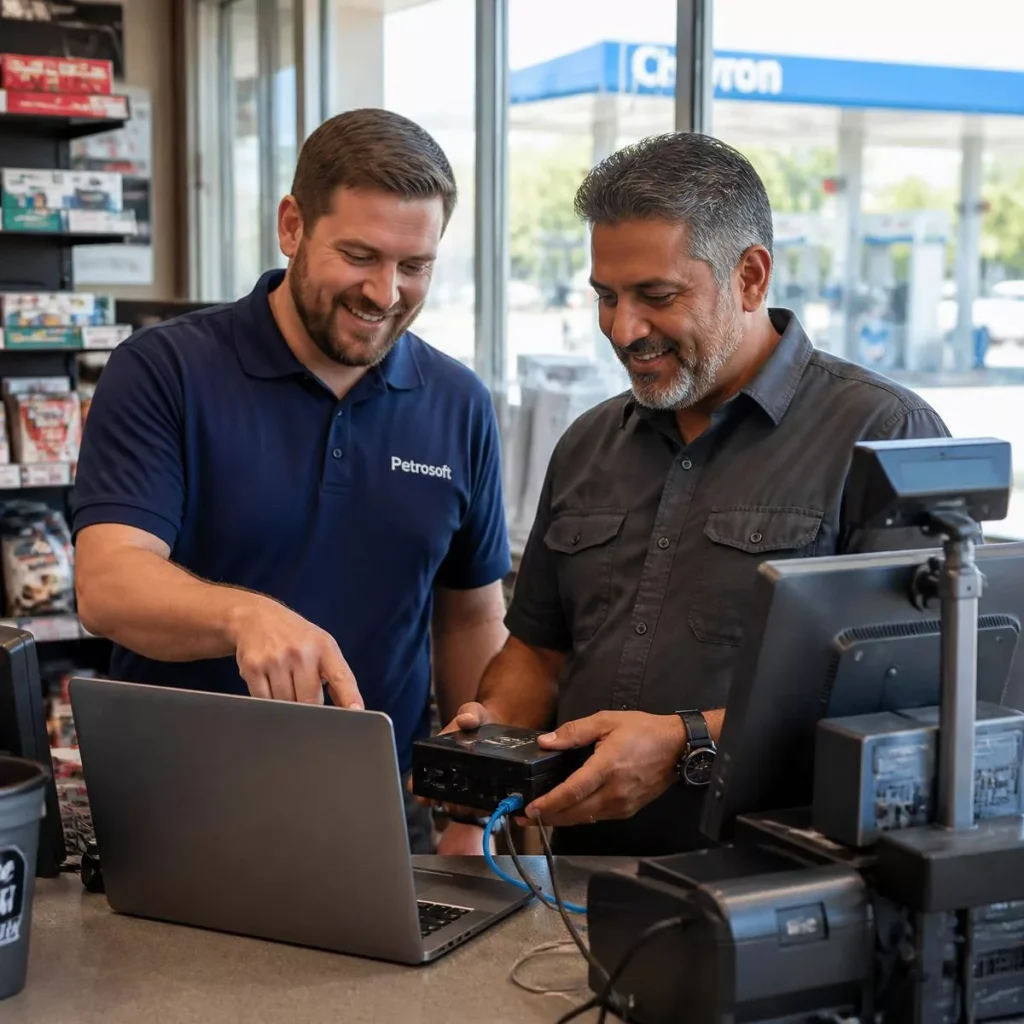
We set up c-stores and gas stations — that’s all we do. Every new Petrosoft customer works with a dedicated Implementation team, not a download link and a login. They plan your onboarding, coordinate your DC Box shipment, confirm your register and store data is flowing correctly, support price book sync & setup, schedule kickoff and training, and guide you through go live.
Already scheduled or mid-setup? Reach your implementation team:
412-306-0640, Monday—Friday.
Six milestones your Implementation team owns with you.
The purpose of the Implementation team is simple: no customer is left to figure out setup on their own. Each milestone is confirmed before the next one starts.
- Rollout schedule by store
- Named owners on both sides
- Milestone checklist
- Pre-configured shipment
- Instant plug-and-play connection
- Automated network sync & verification
- Register polling verified
- Store data reviewed
- Gaps corrected early
- Automated sync from existing data
- Item & department structure
- Pricing reviewed and verified
- Kickoff call scheduled
- Role-based sessions
- Shift-friendly timing
- Launch-day guidance
- Open items closed out
- Introduction to your Account Manager
Named people, not a ticket queue.
What to have ready
None of this is required to get started — but the more of it you bring to the kickoff call, the faster your stores go live.
Automated Price Book Sync with existing POS. It’s optional — Accuracy and Uptime are uninterrupted.
Tells us exactly how your store data reaches the DC Box before it ships.
Sets up each location and the person who gets trained on it.
A name and address so hardware lands with someone who knows it’s coming.
Owners, managers, cashiers — whoever should see the system on day one.
Your setup gets handed to people, not to a help page.
Practical answers before you commit
What does the Implementation team actually do?
Every new Petrosoft customer works with a dedicated Implementation team. They plan the onboarding process, coordinate your DC Box shipment and connection, confirm register and store data are flowing correctly, support price book setup or import, schedule kickoff and training, and guide you through go live.
What is the DC Box and do I install it myself?
The DC Box is the piece that connects your store data to Petrosoft. Designed for true plug-and-play simplicity, it arrives pre-configured and ready to go—just plug it in, and your data starts flowing with zero hassle.
Can I bring my existing price book?
Yes. Price book setup or import is part of onboarding. Bring an export, spreadsheet, or existing register data and your Implementation team supports getting items, departments, and pricing structured correctly.
Do I have to close the store during onboarding?
No. Setup and data work happen in the background, and kickoff and training are scheduled around your shifts.
When do I know the data is right?
Before go live. Confirming that register and store data are flowing correctly is its own onboarding milestone, so you aren’t making decisions on numbers nobody checked.
What happens after go live?
You move into ongoing Customer and Technical Support, proactive Account Management, and continued training through Petrosoft University, help articles, training videos, and free recurring live online training. Joe C is also available 24 hours a day for common questions.