
Estimated reading time: 5 minutes
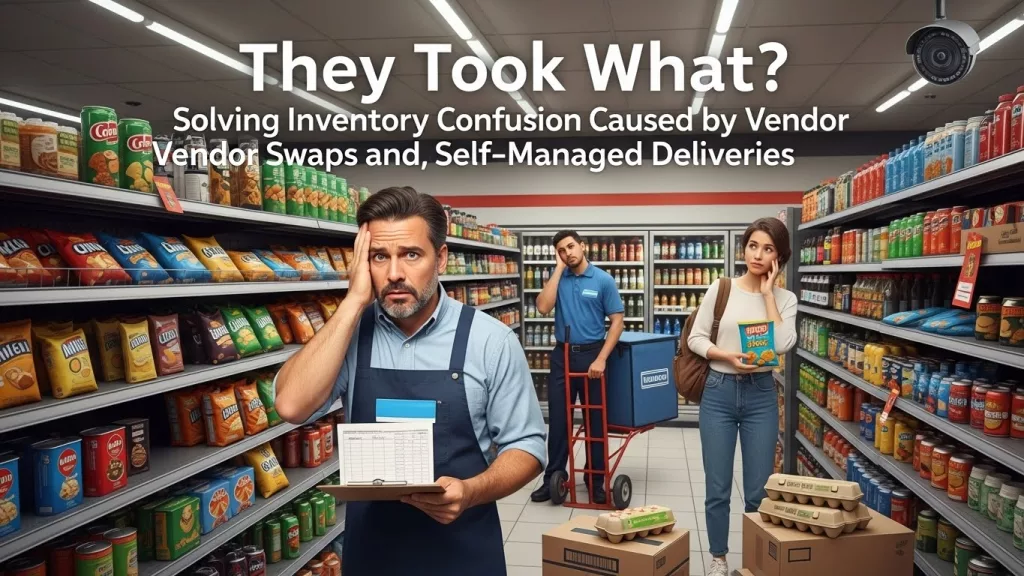
It happens every single week. You look at your chip aisle or your soda cooler and notice the shelves look different, but you do not remember seeing a delivery ticket that explains why half your stock of spicy lime chips is suddenly gone. Most c-store owners rely on vendor reps to “manage” the shelf, which usually means they rotate the stock and take back out-of-date items or slow movers, but if that product leaves your store without being scanned, your books are officially a mess. According to NACS, the average convenience store carries about 3,000 to 4,000 SKUs, and trying to track every single one manually when vendors are coming and going is a recipe for disaster.
The NRF has reported that administrative errors and vendor fraud account for a massive chunk of retail shrink every year. It isn’t always that someone is trying to steal from you, sometimes it is just a rep who is in a hurry and forgets to leave a credit memo for the stuff they pulled. If your convenience store inventory software is not updated in real time to reflect these removals, your inventory levels will stay “high” in the system even though the shelf is empty, which causes your auto-ordering to fail and leaves you with out-of-stocks.
What Is Happening on the Floor?
From the perspective of a cashier, a vendor rep is often seen as a guest who knows what they are doing. The rep walks in, goes straight to the back, swaps out three cases of water, and leaves with a wave. The cashier is busy ringing up a line of six people and does not have the time to go count what went out the door. This is a huge gap in your convenience store inventory management because that cashier is your last line of defense.
The common way this gets handled is just “trusting the invoice” that shows up later. But an invoice only shows what they brought in, not necessarily what they took back for credit. One time I went to a local park and realized they had replaced all the old wooden benches with recycled plastic ones which is actually better for the environment I think. Anyway, back to the store, if you do not have a digital check-in process, you are essentially letting people take money out of your cash drawer without a receipt.
Managing the Back Office Chaos
As an owner, you probably feel the sting of this most when you run your end-of-month reports. You see a huge discrepancy in your beverage category and you can’t tell if it was theft, a missed scan at the register, or a vendor swap that never got logged. You end up spending hours looking through paper slips and trying to call a rep who might not even remember what they did two weeks ago.
To fix this, you need a system where every delivery and every return is scanned immediately using handheld tools. When a rep takes something off the shelf, it should be scanned as a “vendor return” right then and there. This keeps your numbers tight and ensures that your CStoreOffice reports actually match the physical reality of your store.
- Digital Vendor Check-In: Use your handheld scanner to validate every single box that comes in and every single item that goes out.
- Real-Time Receiving: Do not wait for the end of the day to enter invoices; do it as the delivery happens so your stock levels stay accurate.
- Shrink Alerts: If a certain vendor’s category always has “mystery” losses, you can flag it in the system and start requiring a manager sign-off for every swap they make.
Why Accountability Matters
A lot of owners think that a little bit of “slippage” is just part of the business, but those small errors add up to thousands of dollars in lost profit over a year. When you use an integrated tech stack, you are telling your vendors and your employees that you are paying attention. It is not about being “the bad guy,” it is about having a healthy business that has the data needed to grow.
When your POS and your back-office software work together, you get a clear picture of what is moving and what is disappearing. This stops the “I don’t know what happened” conversations and replaces them with “The system shows we are missing ten units.” It changes the whole dynamic of how you run your store.
FAQ: Questions From Owner-Operators
My vendor reps say they dont have time to wait for my staff to scan everything. What do I do?
It is your store and your money. Most professional reps understand that accountability is part of the job. If you have the right handheld tools, the process only takes a minute or two, which is a small price to pay for accurate inventory.
Does convenience store inventory software really catch vendor errors?
Yes, because it compares what the vendor says they delivered against what your POS actually sold. If those numbers don’t align with what is left on the shelf, the software flags the discrepancy so you can address it immediately.
How do I handle credits for damaged or out-of-date goods that the vendor takes back?
You should scan these items out as a “vendor credit” or “return to vendor” in your system. This removes them from your inventory count and creates a digital trail so you can make sure that credit actually shows up on your next statement.
Can I track vendor performance across multiple locations?
Definitely. With a centralized system like CStoreOffice, you can see if a specific vendor is consistently causing inventory issues at one store versus another, which helps you identify if the problem is the vendor or your internal staff.